DGC FREE WEBINAR GRAPHICS
• FREE FOR YOU TO USE •
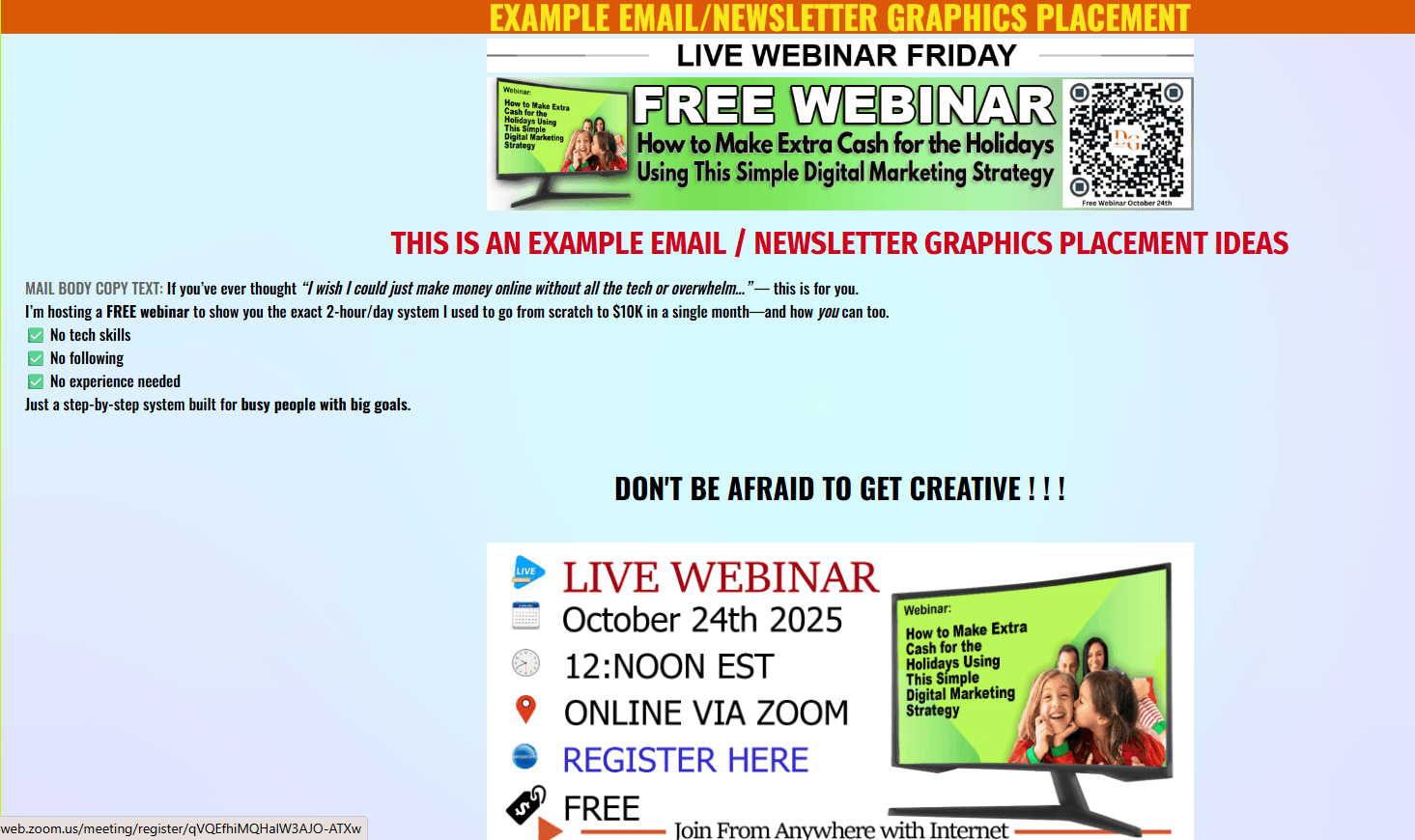
For Your Emails and Newsletters
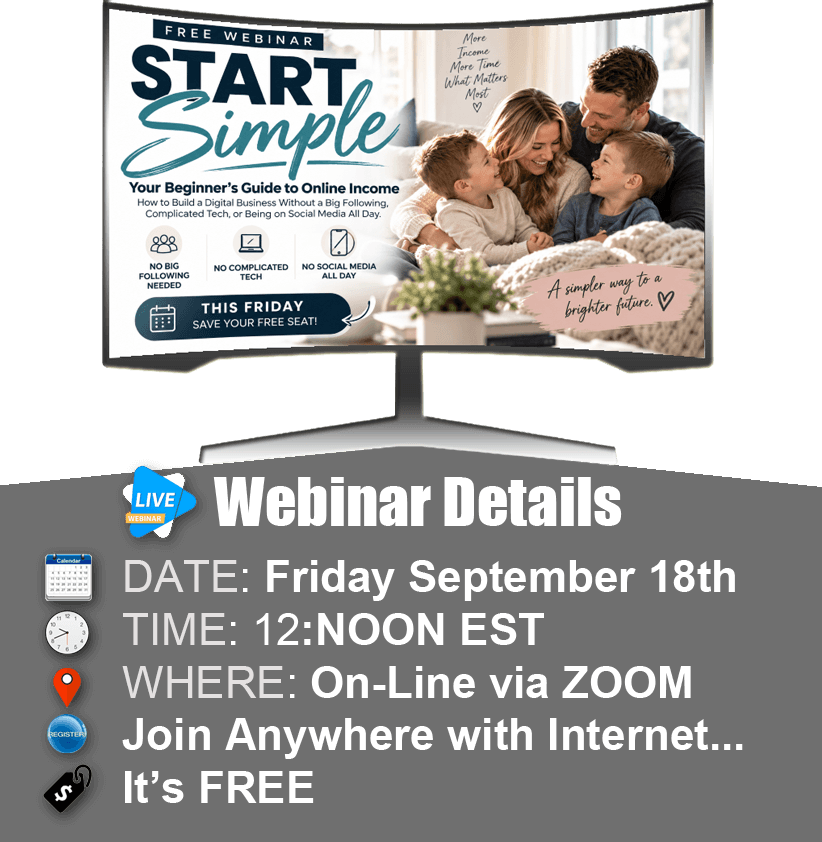
SEPTEMBER 18th Free Webinar
GRAPHICs UPDATED WHEN NEW WEBINARs ARE POSTED
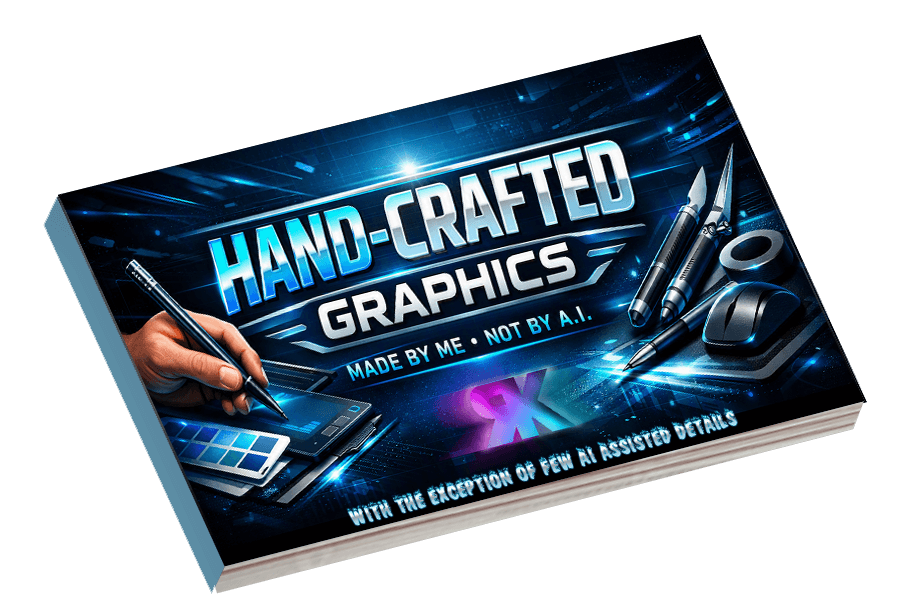
Most all graphics posted here are crafted using an "Old School" Image Editor modifying templates that I created to be reusable. I have utilized AI in building a few templates, but in most cases, AI just doesn't pass my standards. I like being able to put that fine human touch that makes my graphics unique.
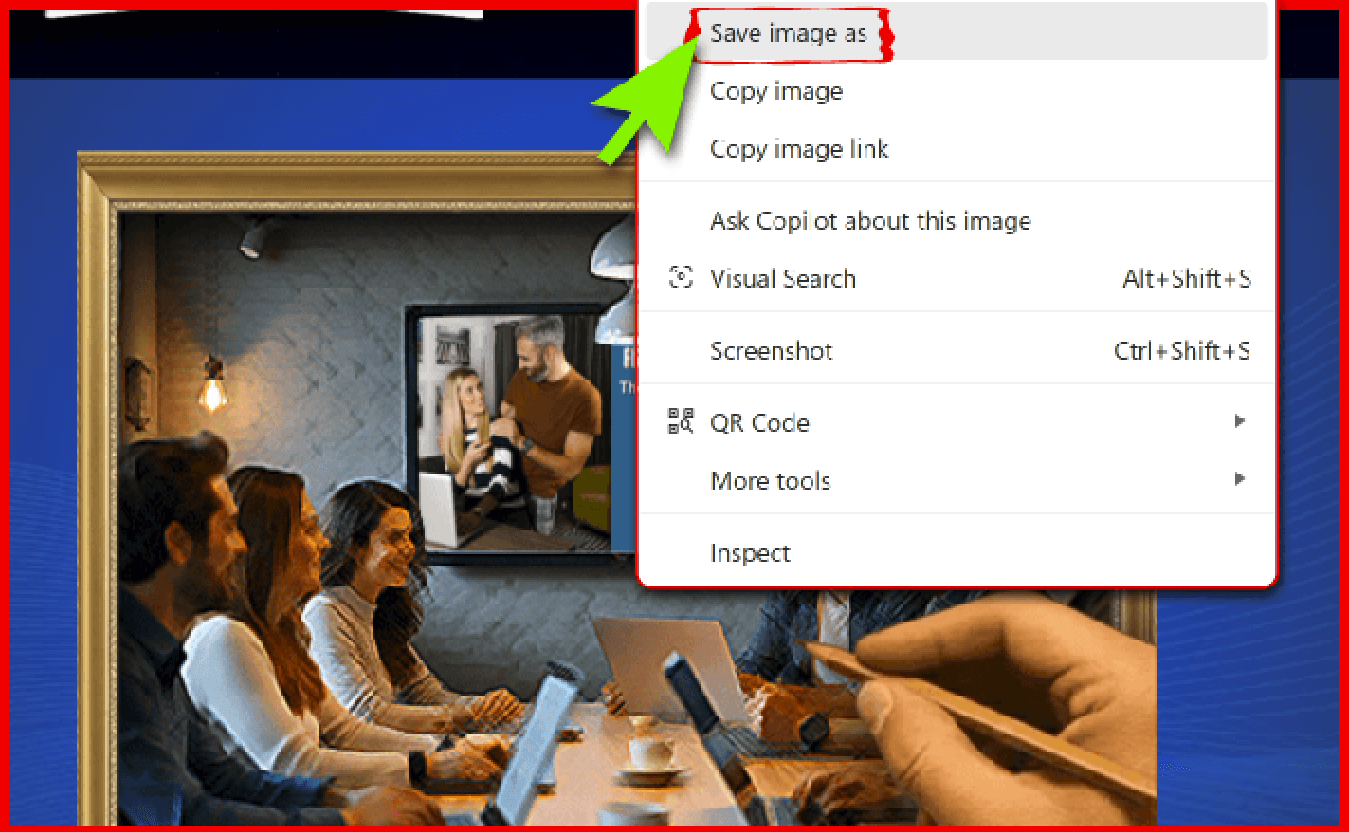
HOW TO SAVE IMAGES TO YOUR DEVICE
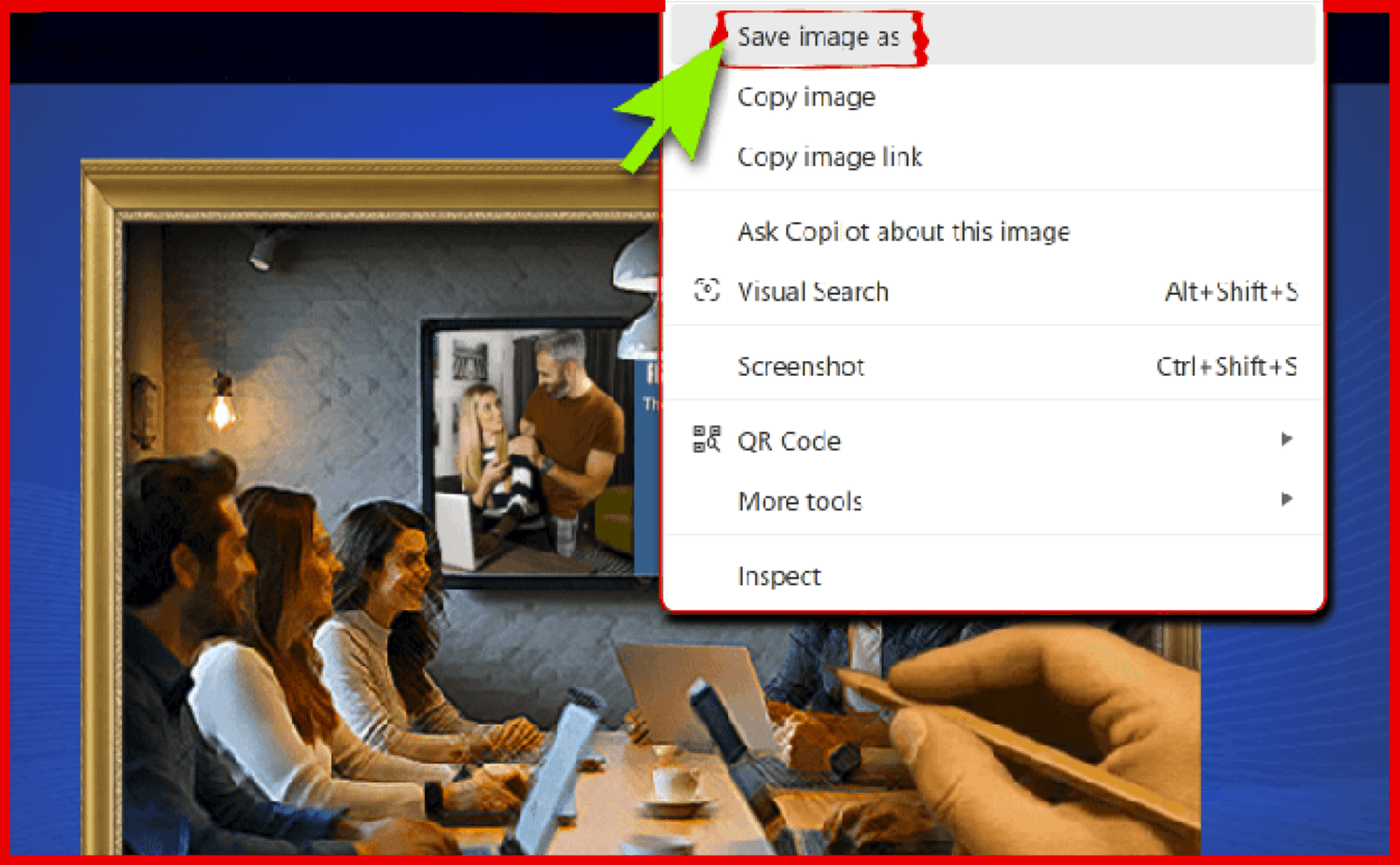
to use: right click on image and "SaveImageAs" to a folder on your device. Click Here HELP
PLEASE NO HOT LINKS
All images are basically the same size, just resized to position on this page
Most Images with a WHITE Background are Animated
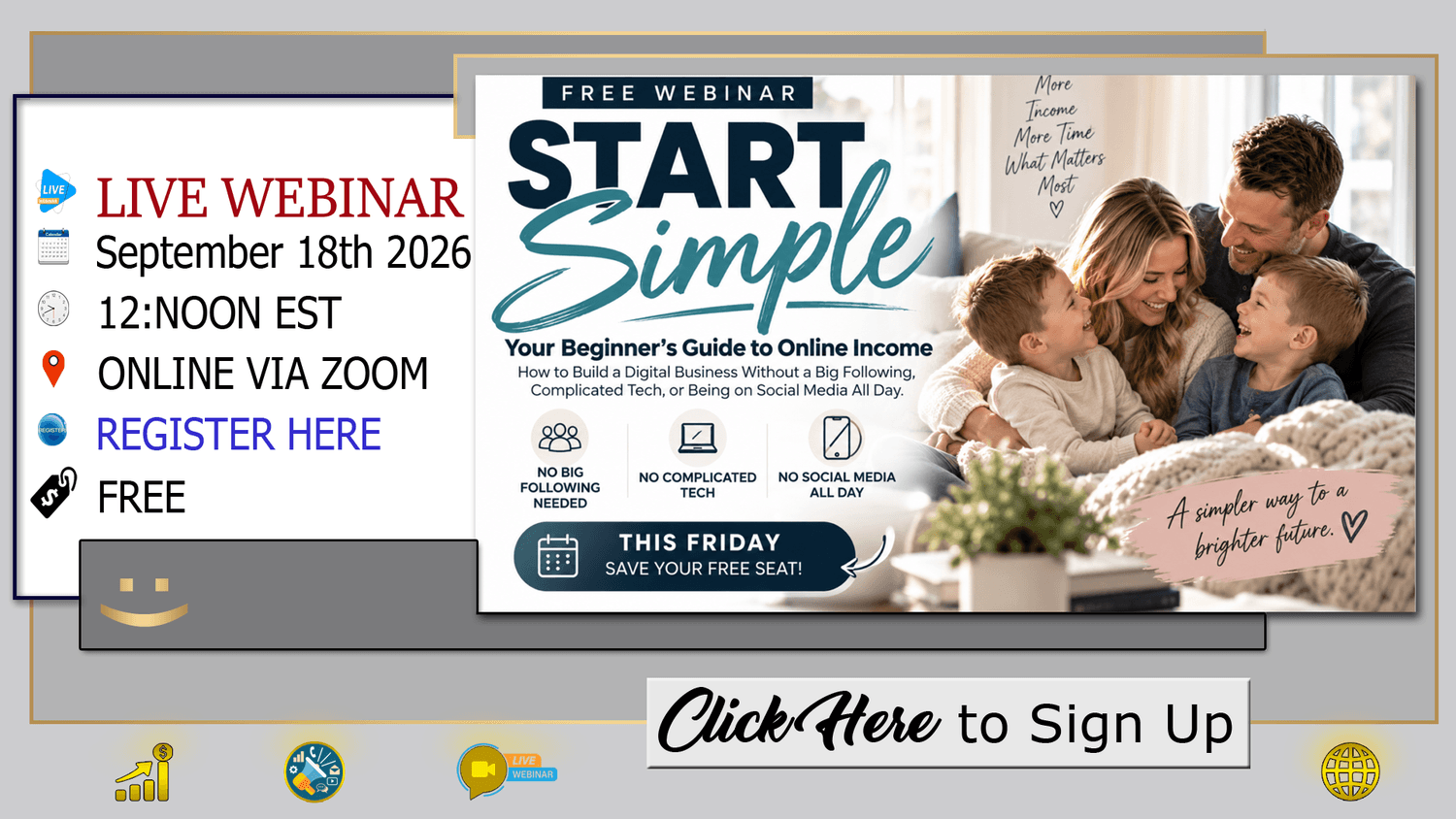

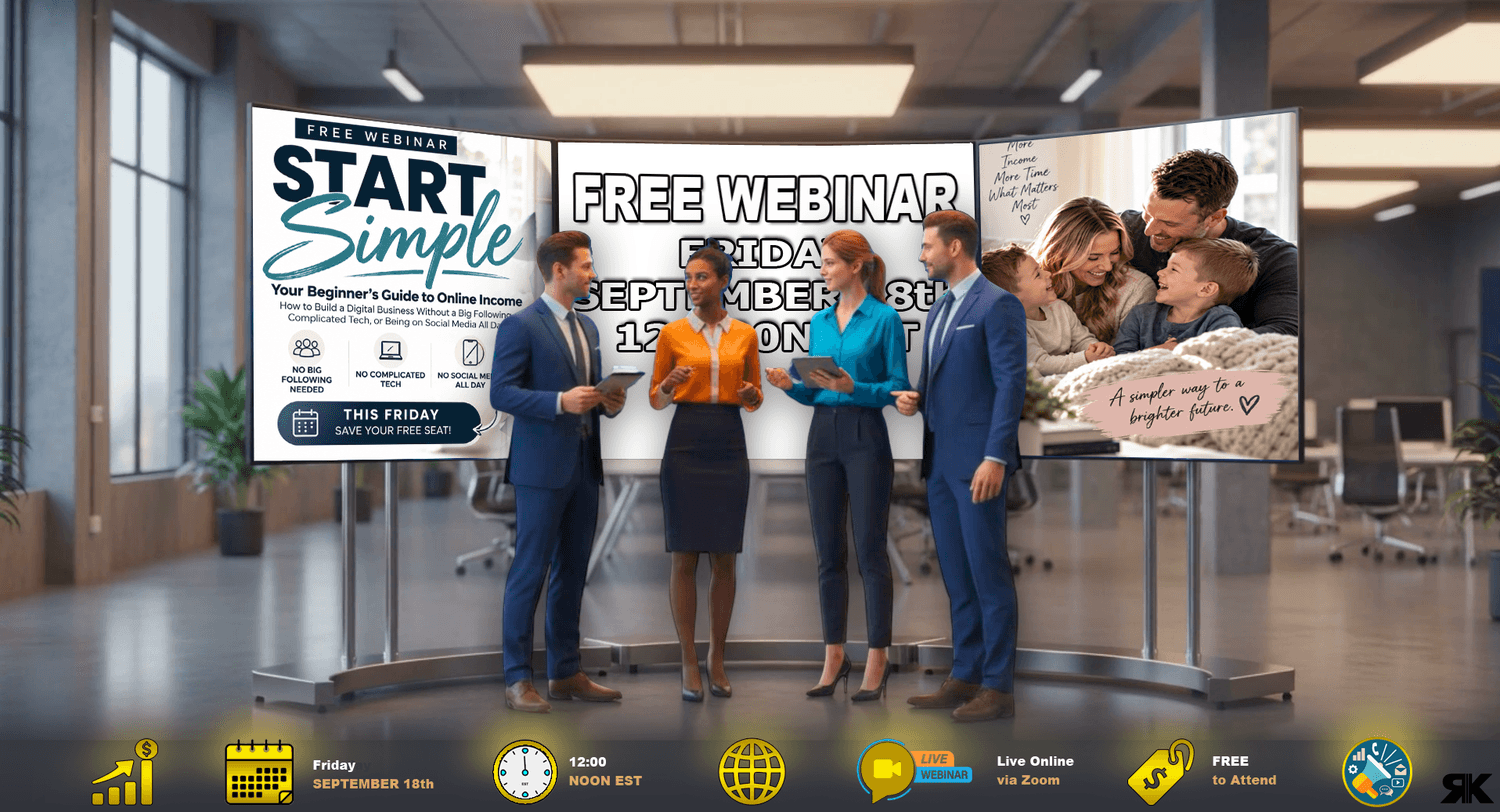
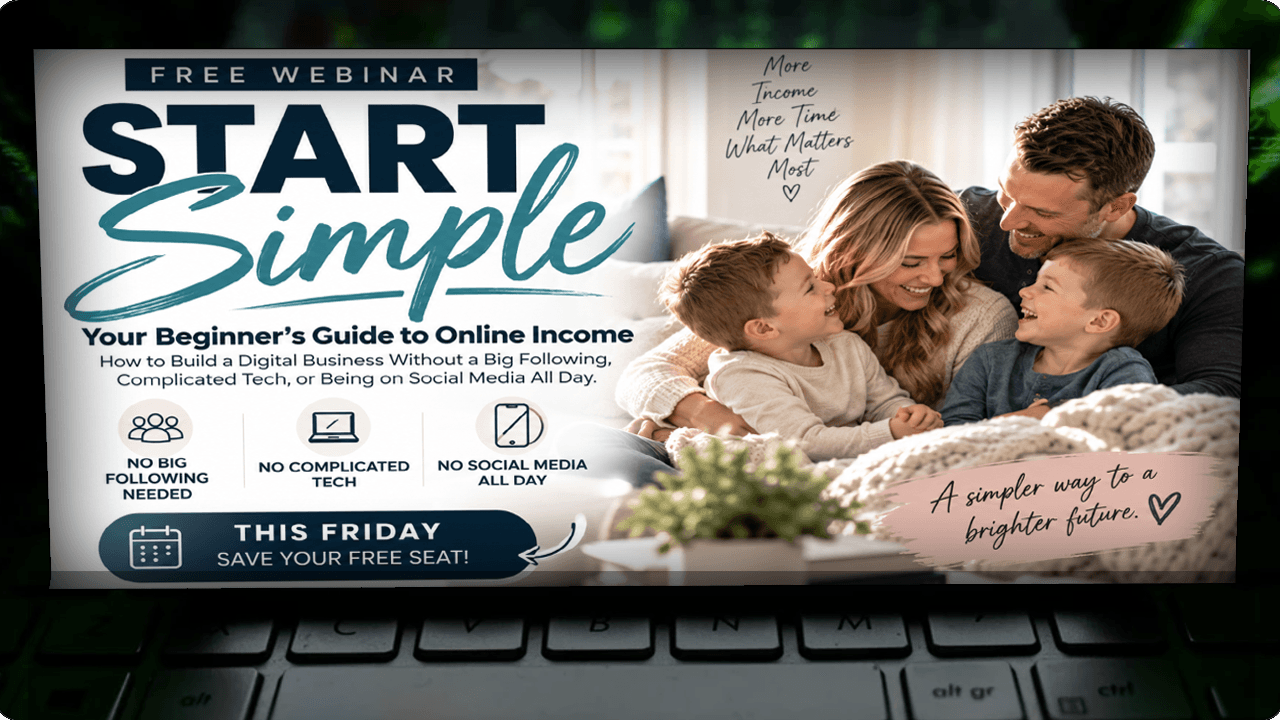


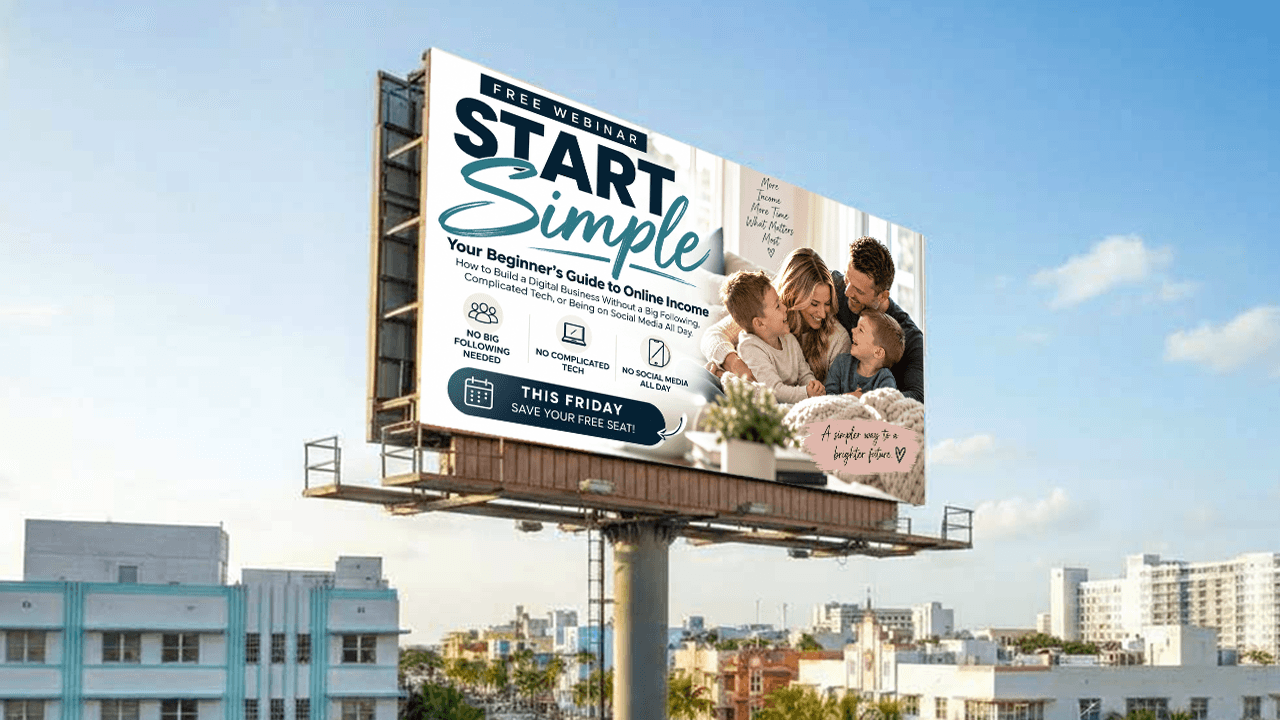
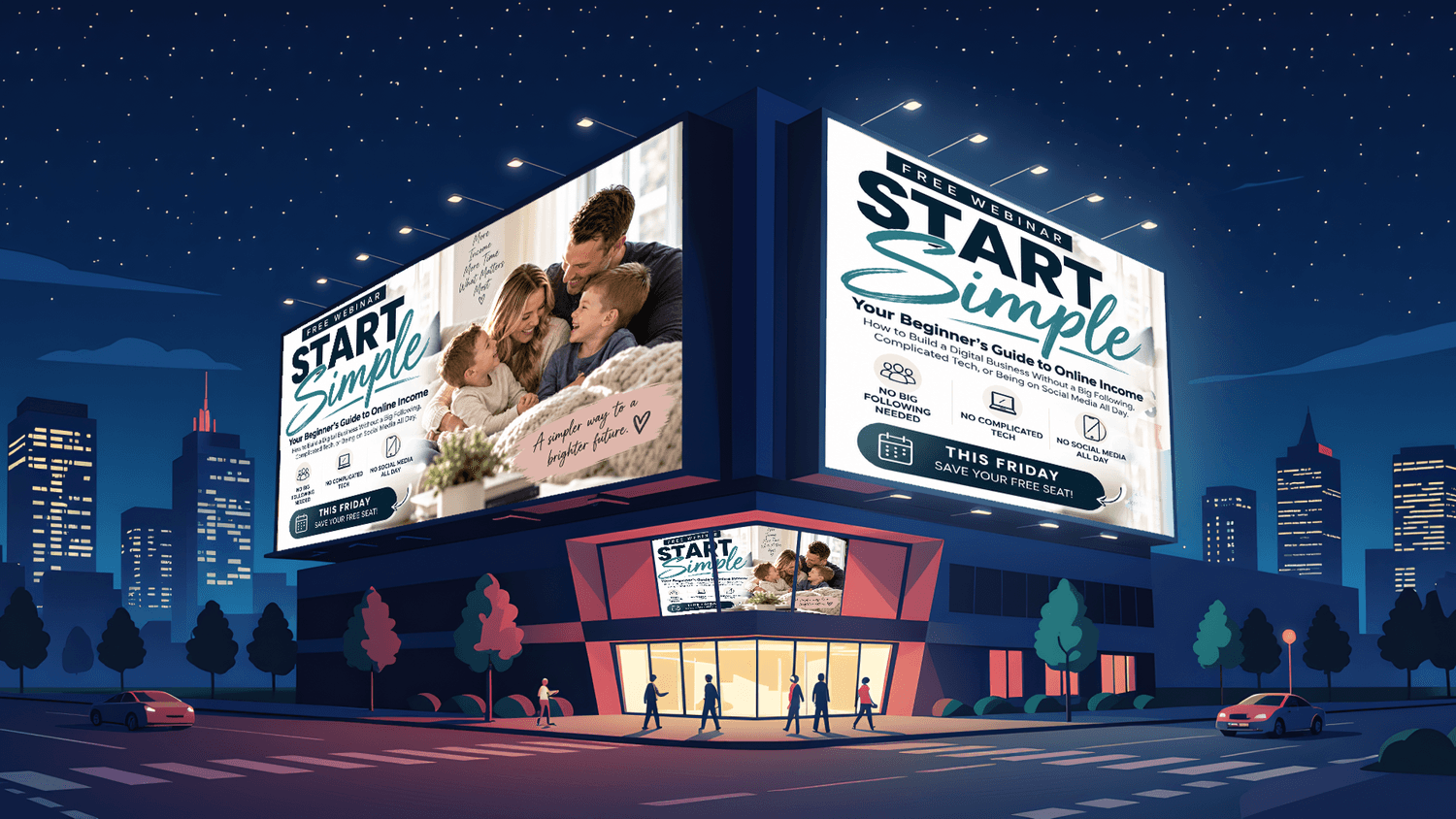
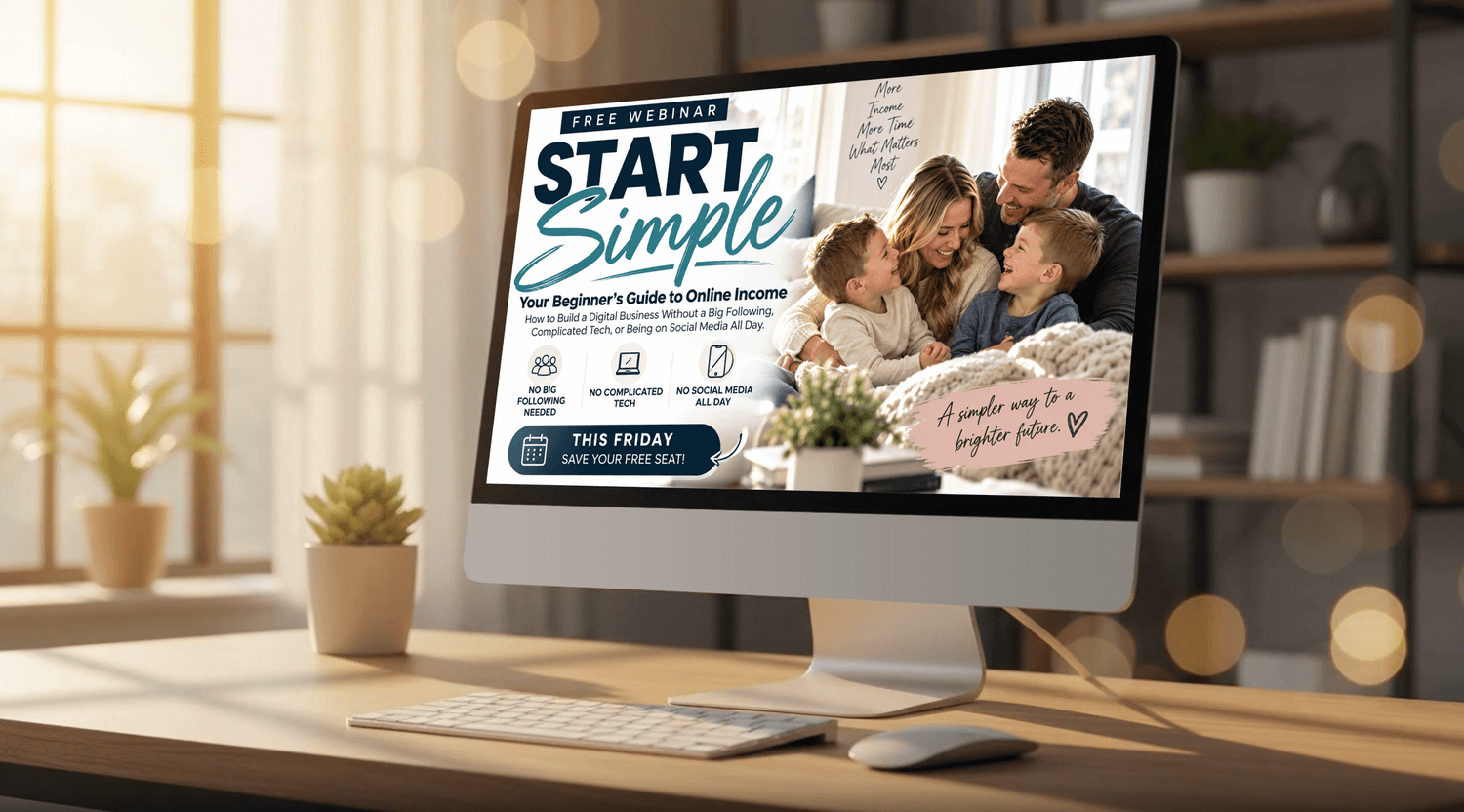
NEWSLETTER HEADERS
All images are basically the same size, just resized to position on this page
Most Images with a WHITE Background are Animated










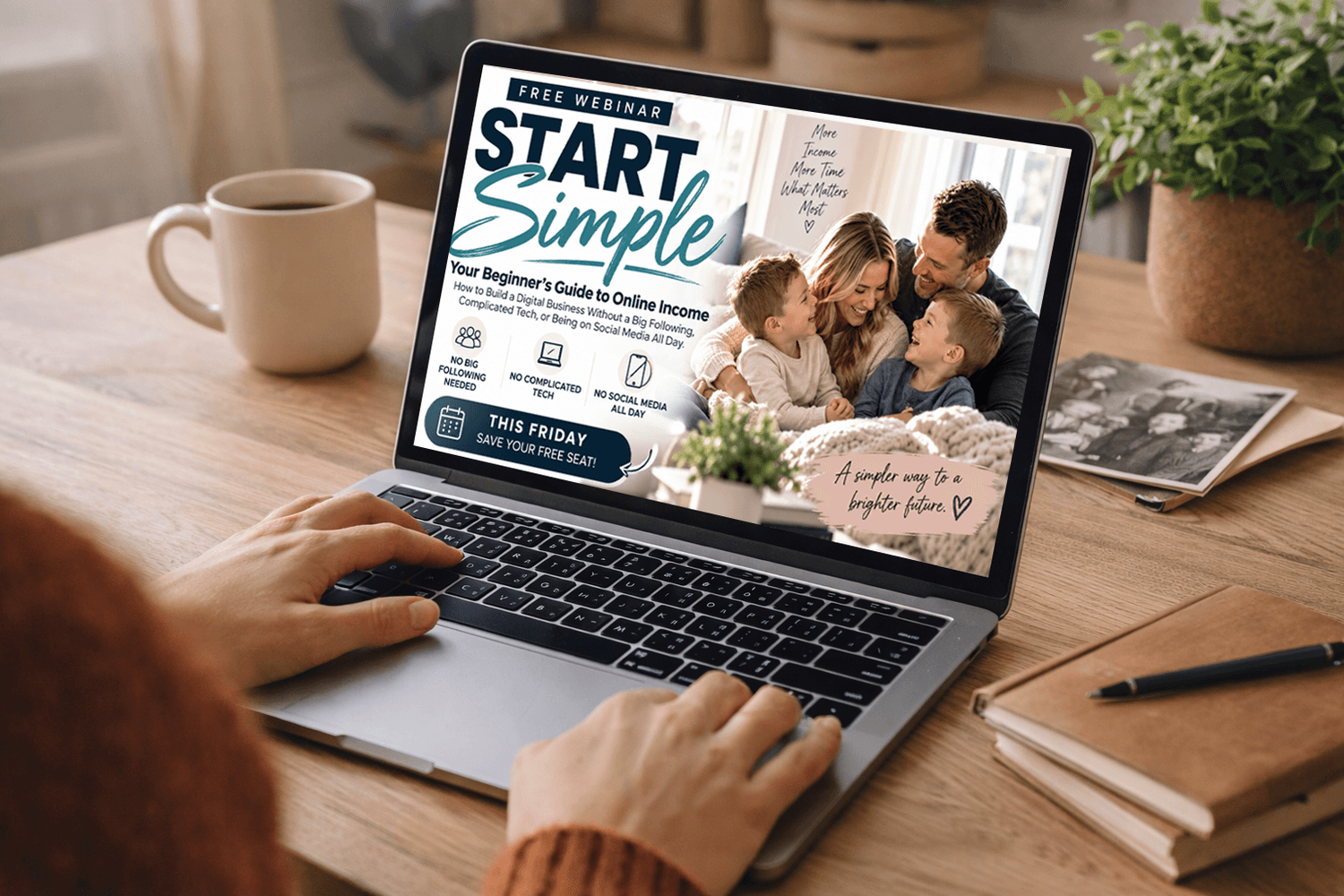
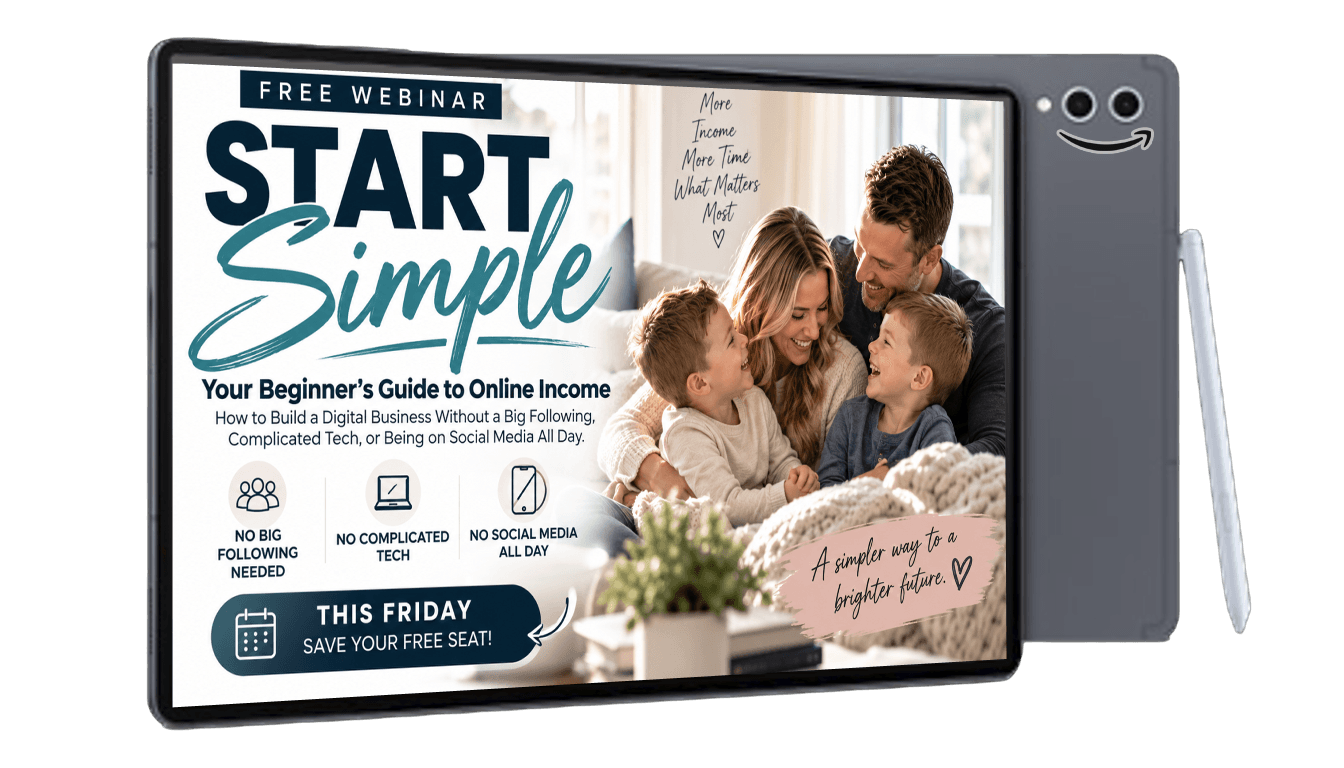
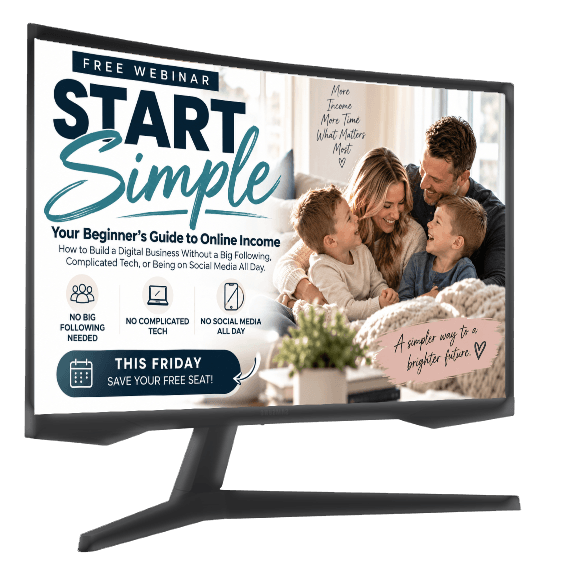
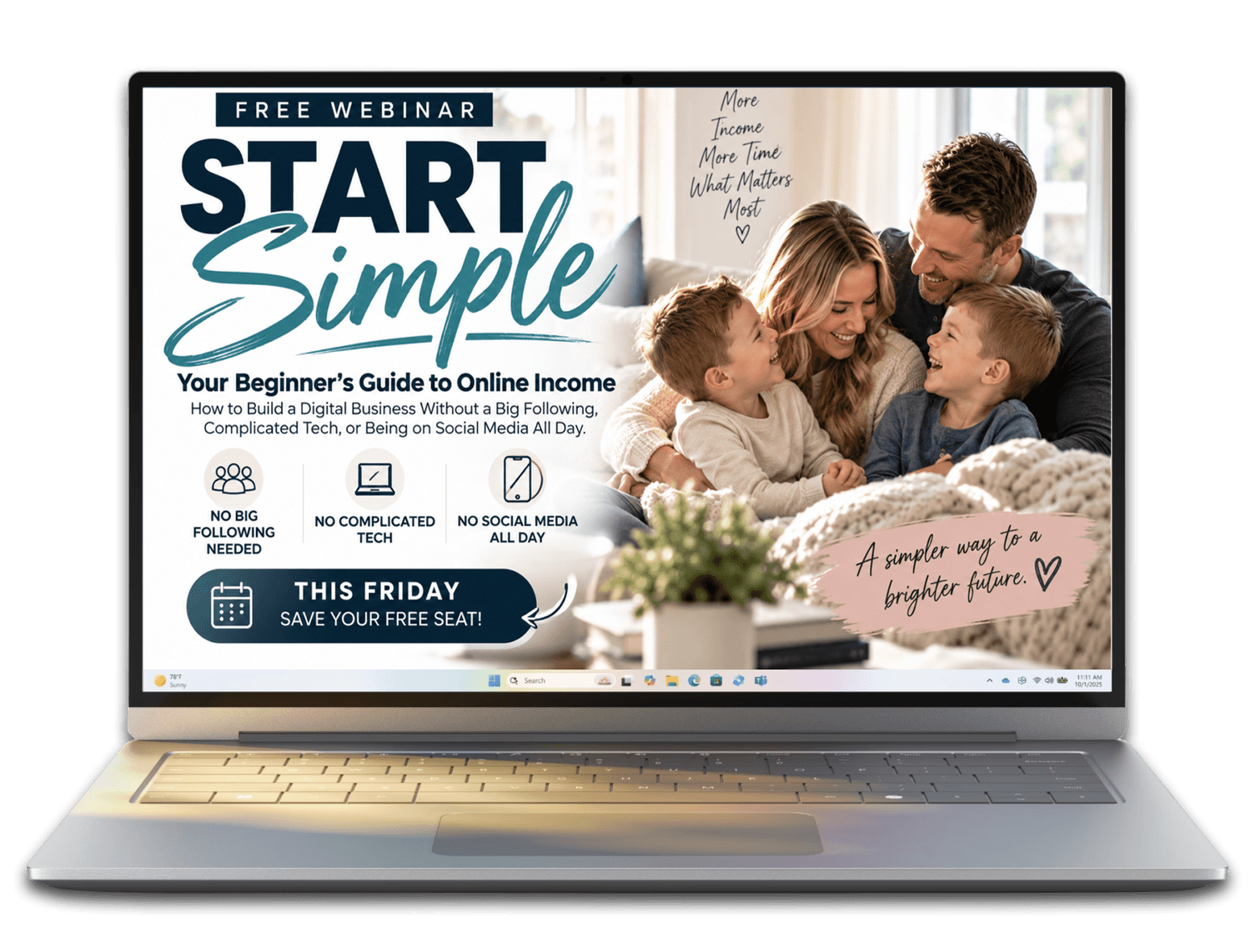
DEVICES
All images are basically the same size, just resized to position on this page
Most Images with a WHITE Background are Animated


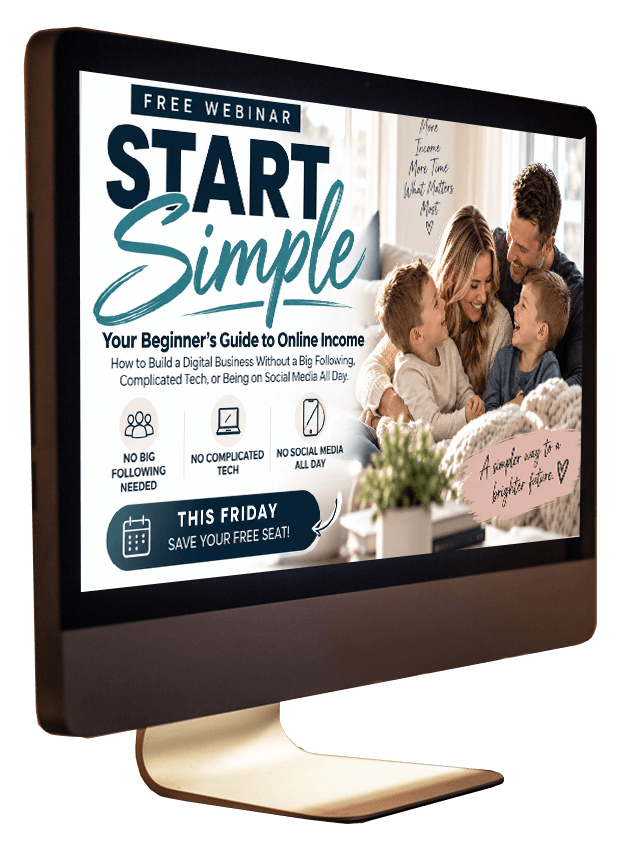
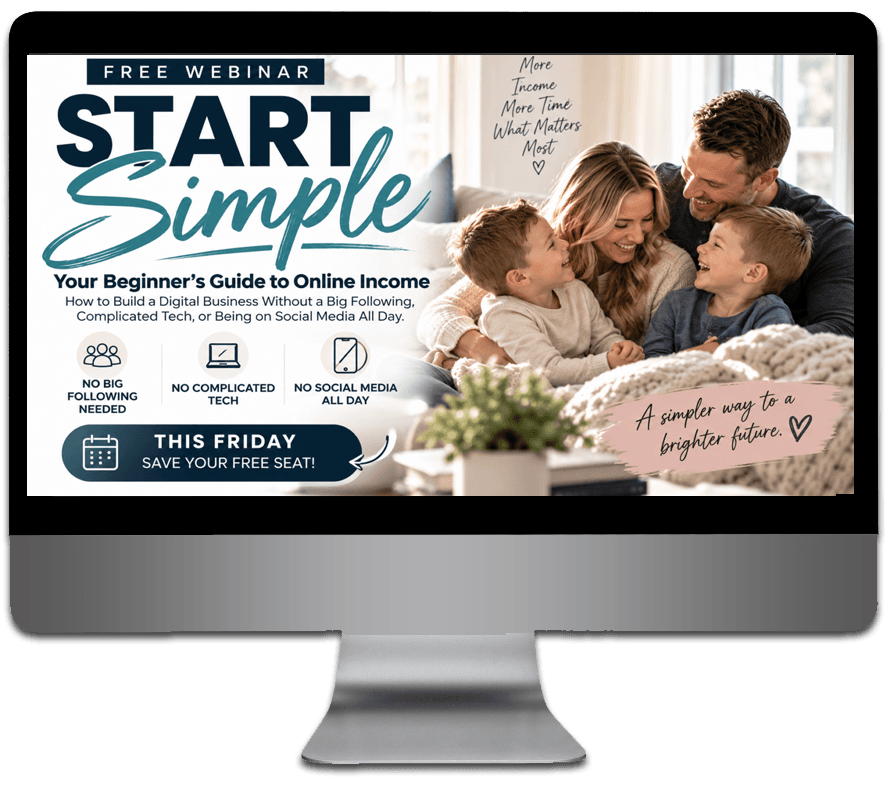


All images are basically the same size, just resized to position on this page
Most Images with a WHITE Background are Animated
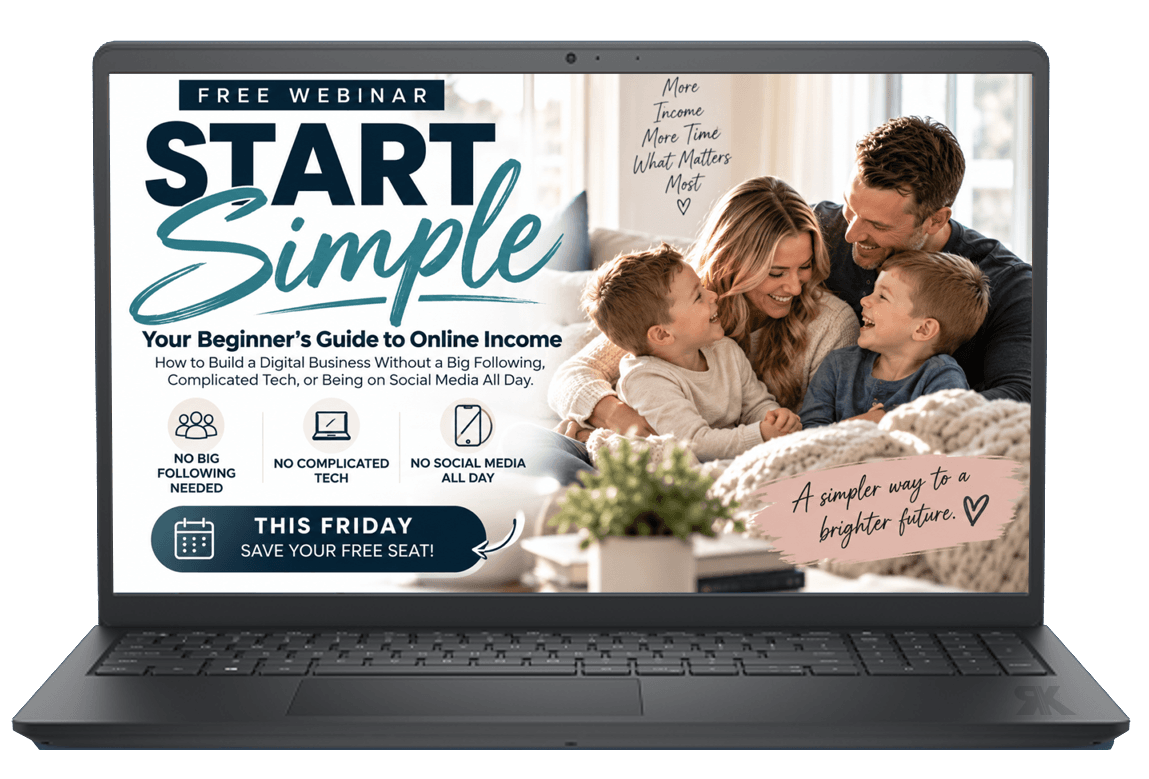
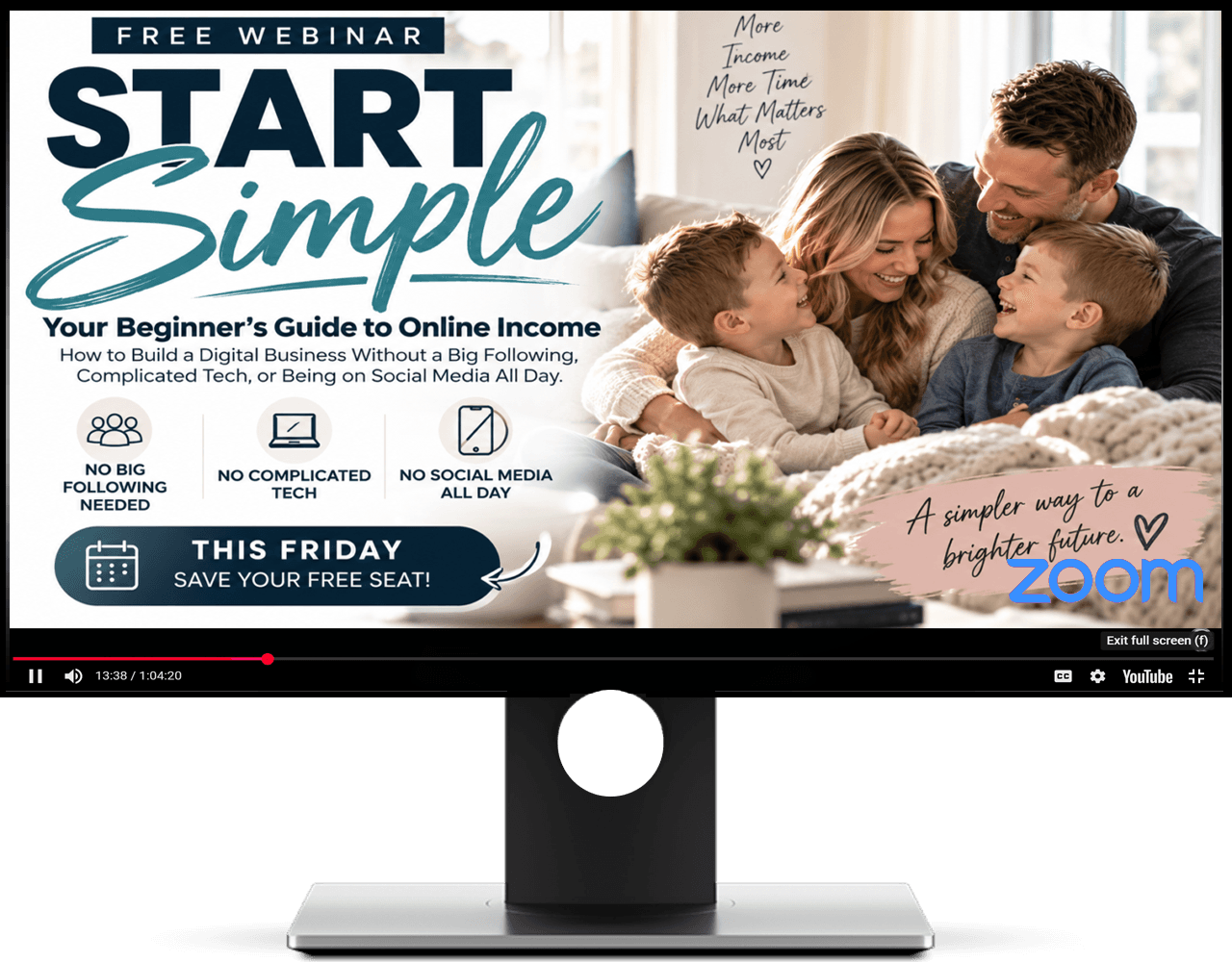

All images are basically the same size, just resized to position on this page
Most Images with a WHITE Background are Animated




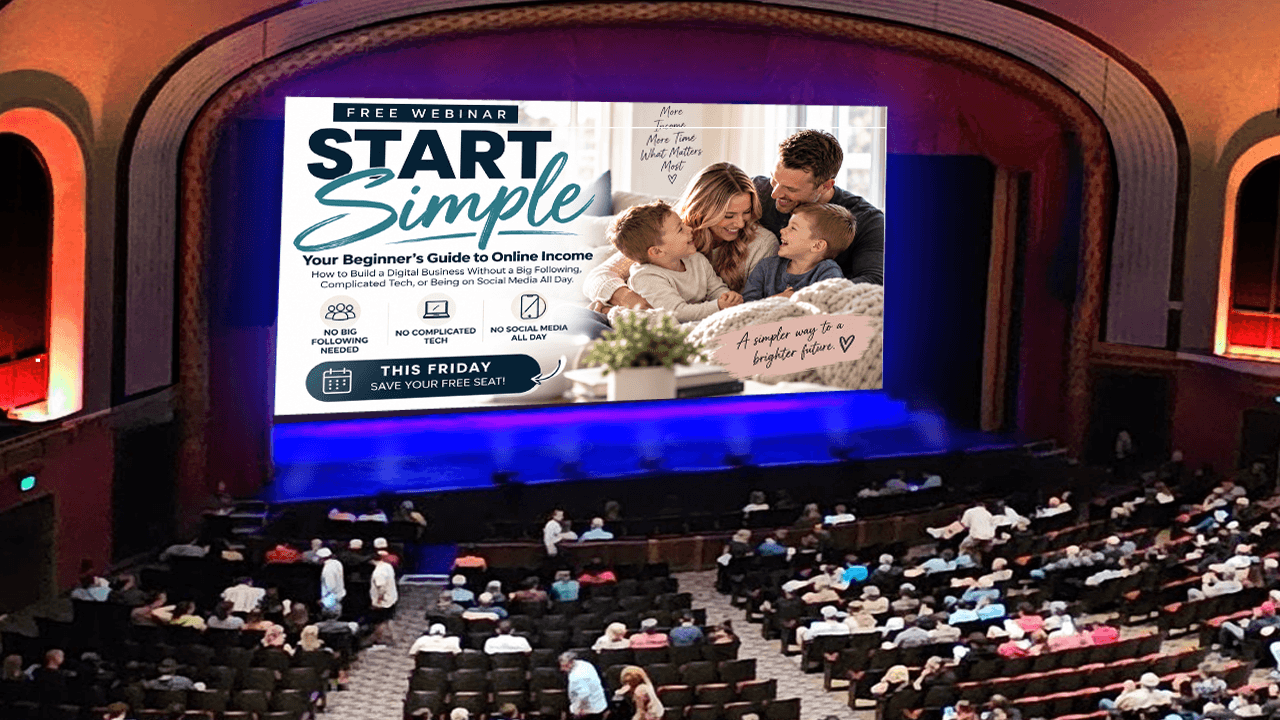

All images are basically the same size, just resized to position on this page
Most Images with a WHITE Background are Animated

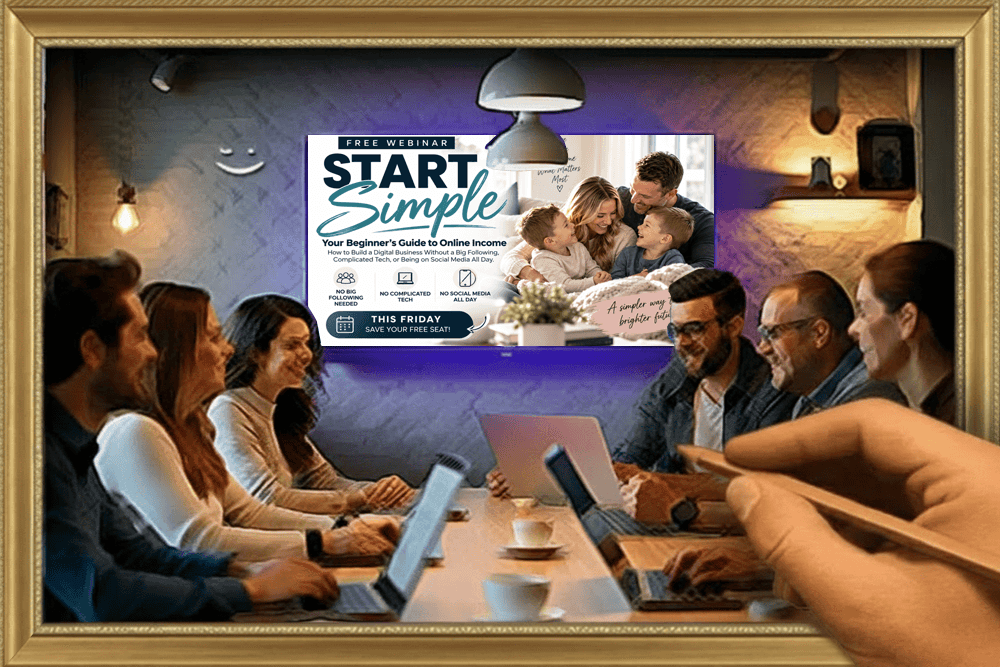
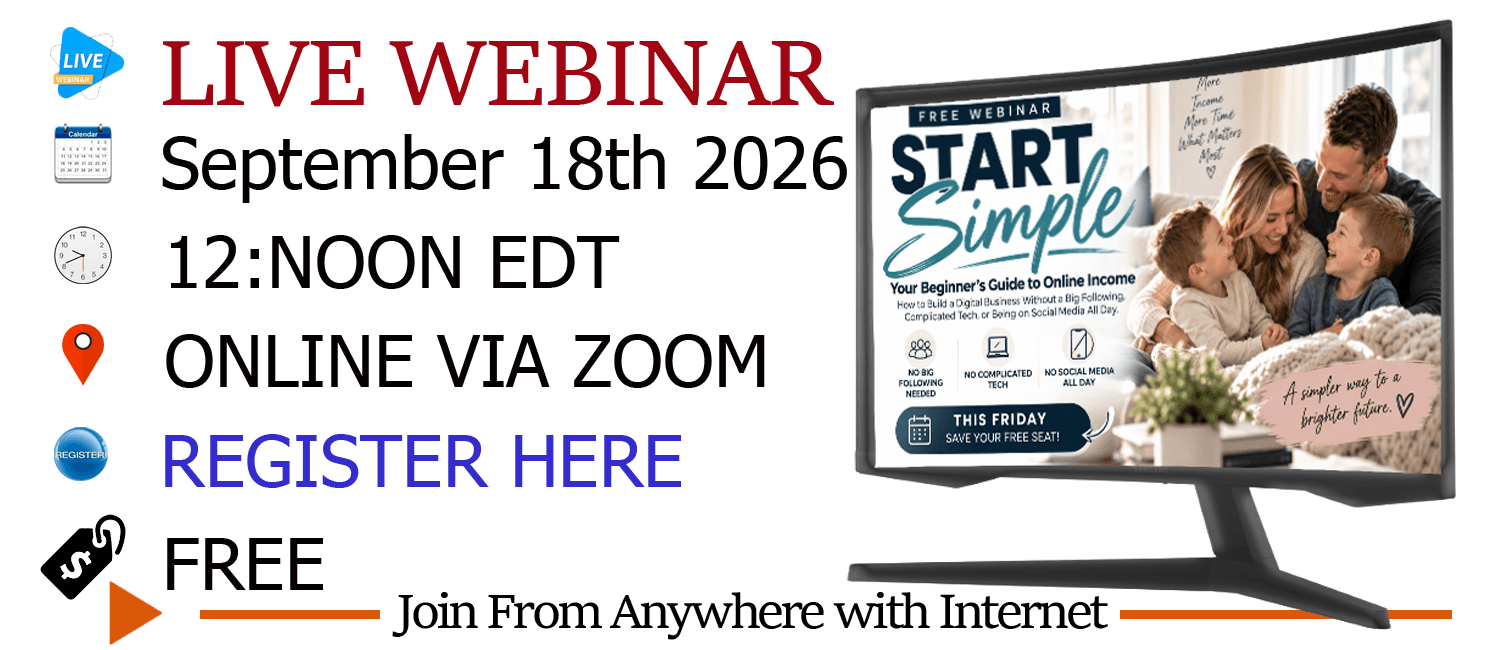
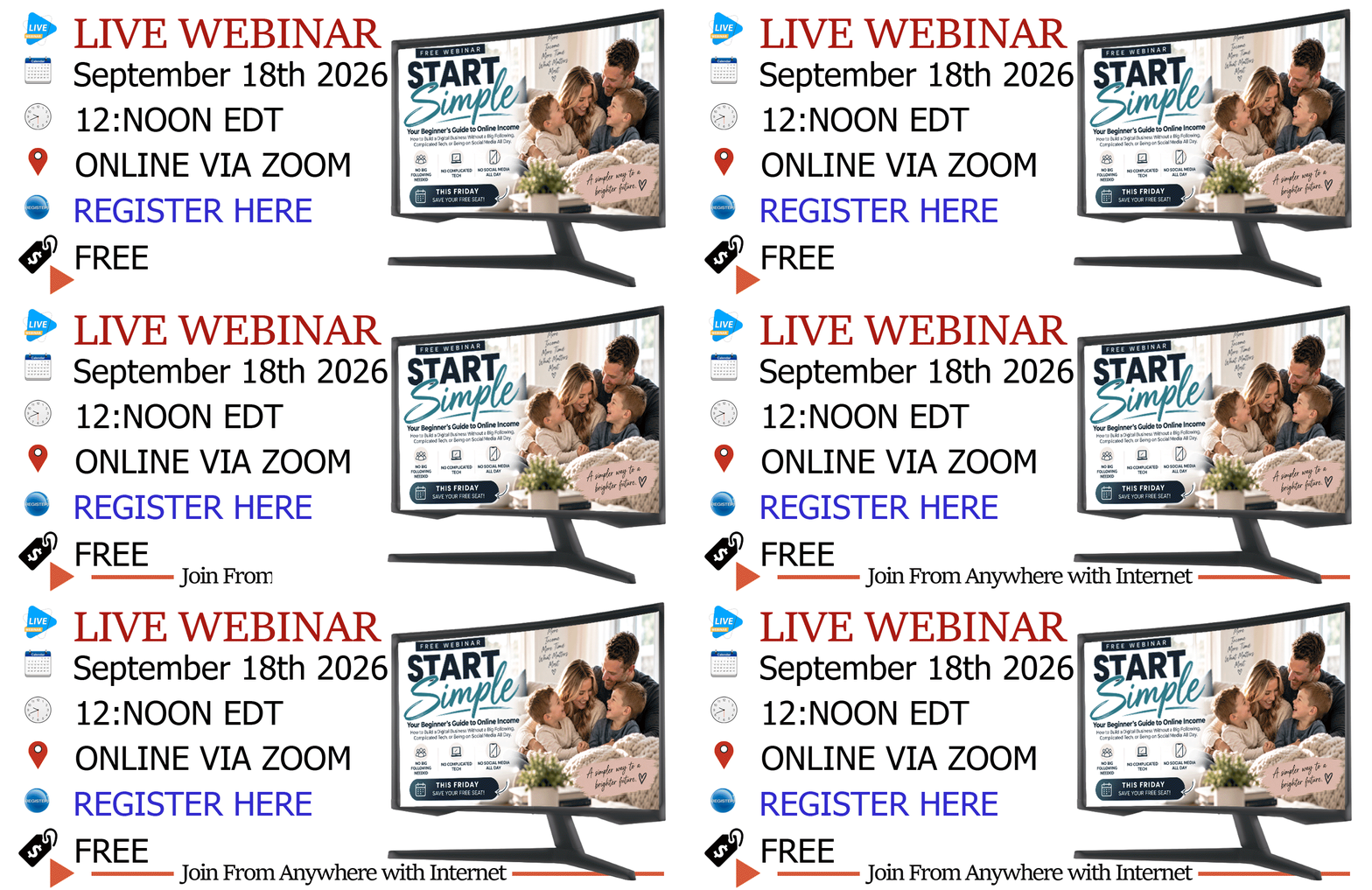
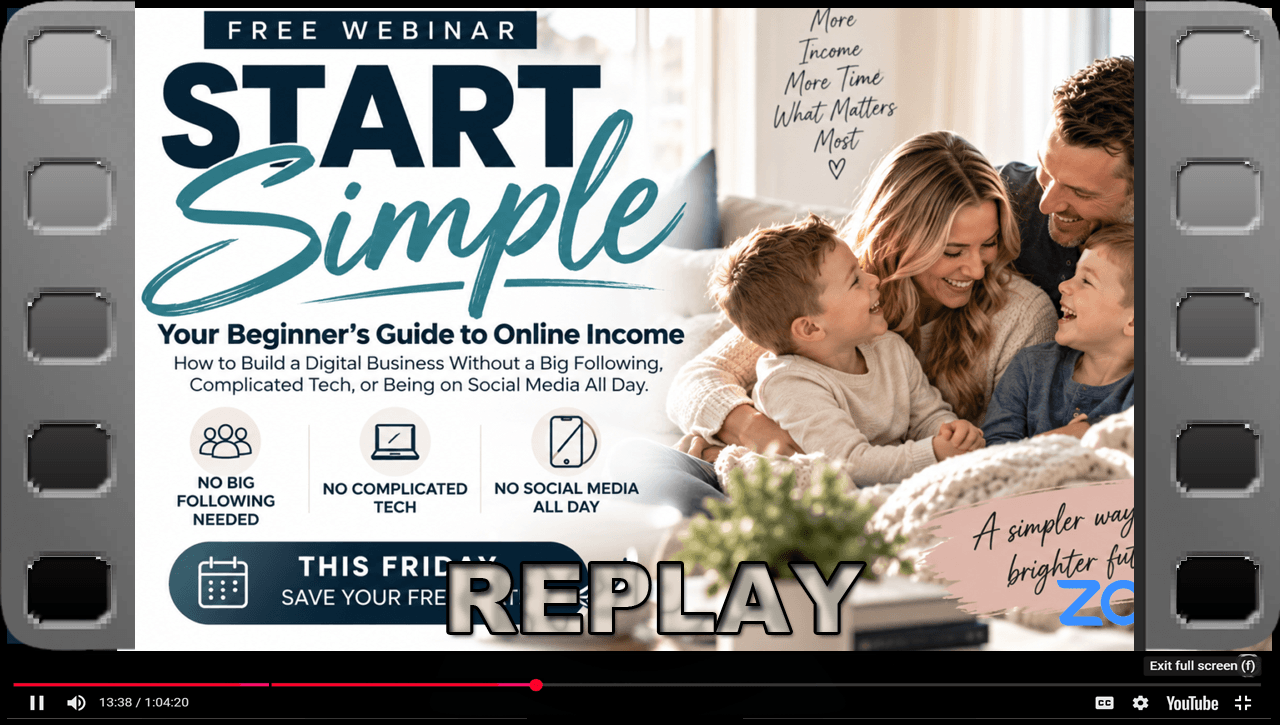
All images are basically the same size, just resized to position on this page
Most Images with a WHITE Background are Animated


E-Book



E-Book


QR CODE LINKs TO FREE WEBINAR SIGN UP SEPTEMBER 18th 2026
to use: right click on image and "SaveImageAs" to a folder on your device
PLEASE NO HOT LINKS
If you have access to this page, You have full rights to use images on your
Website/Funnel, Email Campaigns, & Newsletters

3n518•f260918

GET THE REPLAY the Digital Growth Community FREE WEBINAR REPLAY Is Available NOW!!!
October 30th 2024
We HATE spam. Your email address is 100% secure

FREE WEBINARthe Digital Growth Community
Master the 2-Hour Work Day with Proven Strategies from Top Digital Marketers
August 14th 2024 1:PM EST
We HATE spam. Your email address is 100% secure


Digital Growth Community
Legacy Builders Program

Legacy Builder has everything from LaunchPad, Passive Daily Blueprint, Digital Mastery! It's the ultimate no-brainer!
PLUS! also includes following:
Creating Your Own Digital Product/Program
✓Lesson 1: Choose Type of Digital Product/Program
✓Lesson 2: How to Name Your Digital Product/Program
✓Lesson 3: How to Structure Digital Product/Program
✓Lesson 4: How to Price Your Digital Product/Program
Preparing For Course Creation
✓Lesson 1: How to teach inside your course
✓Lesson 2: How to outline your course
✓Lesson 3: How to create your course lessons
✓Lesson 4: How to record your lessons
✓Lesson 5: How to modify the lesson template
✓Lesson 6: How to edit your lessons
✓Lesson 7: How to set up your online course
Launching Your Course/Program
✓Lesson 1: How to create an irresistible launch offer
✓Lesson 2: How to get people to buy during your launch
✓Lesson 3: Launch Plan
✓Lesson 4: How to Launch with Webinars
Scaling Your Business
✓Lesson 1: When to Hire
✓Lesson 2: How to Collect Feedback and Testimonies
✓Lesson 3: How to Handle Refunds
✓Lesson 4: How to turn Your Members into Affiliate
Become a DGM Affiliate and Earn Money
How to Create a Community in SKOOL
Introduction to The Passive Revenue Freedom Machine!
✓Lesson 1: What is a PR Freedom Machine
✓Lesson 2: Why do you need the PR Freedom Machine
✓Lesson 3: Marketing your PR Freedom Machine
Digital Growth Community
Digital Mastery Program

Check This Out!!!
When you enroll TODAY,
you'll also get the following BONUSES!!!

Bonus #1
Digital Growth Community
(Value PRICELESS)
✓Q&A to make sure that you get your questions answered and can move forward with total clarity and confidence
✓Live Weekly Zooms where you can connect with fellow members, stay accountable, get more support and real-time feedback

Bonus #2
Canva Crash Course
(Value $497)
✓Learn how to create simple but effective content
✓How to edit prebuilt social media content!

Bonus #3
My $1 Million in 17 Months Blueprint
(Value 1 Million)
I give the exact walkthrough and steps that I applied to reach the revenue success I have in
17 months!!!

Bonus #4
30 Day Market Strategy Growth Plan
(Value $297)
✓Insights how to attract customer
✓Complete content creation

Bonus #5
How to Start and Online Business with MRR
(Value $127)
✓Learn cost effective way to start a work from home/anywhere business
✓Learn how to grow your business

Bonus #6
200 Digital Product Ideas
(Value $297)
✓How to find you a business you want to launch
✓How to pick a product to promote

Bonus #7
Mindset, Message, Marketing to your first Million!
(Value $497)
How to Master your mindset, message, and marketing to make your first million online.

Bonus #8
Your Invisible Empire
Faceless Marketing
(Value $47)
✓Ebook how to start a faceless account and grow an audience on social media
Digital Growth Community
Passive Daily Pay Blueprint

Digital Growth Community
Launch Pad


Discover How To Start An Online Business With A Proven Blueprint!
We HATE spam. Your email address is 100% secure
•To grab an image, right click on it, then choose/click "Save Image As" and save to a location on your device.
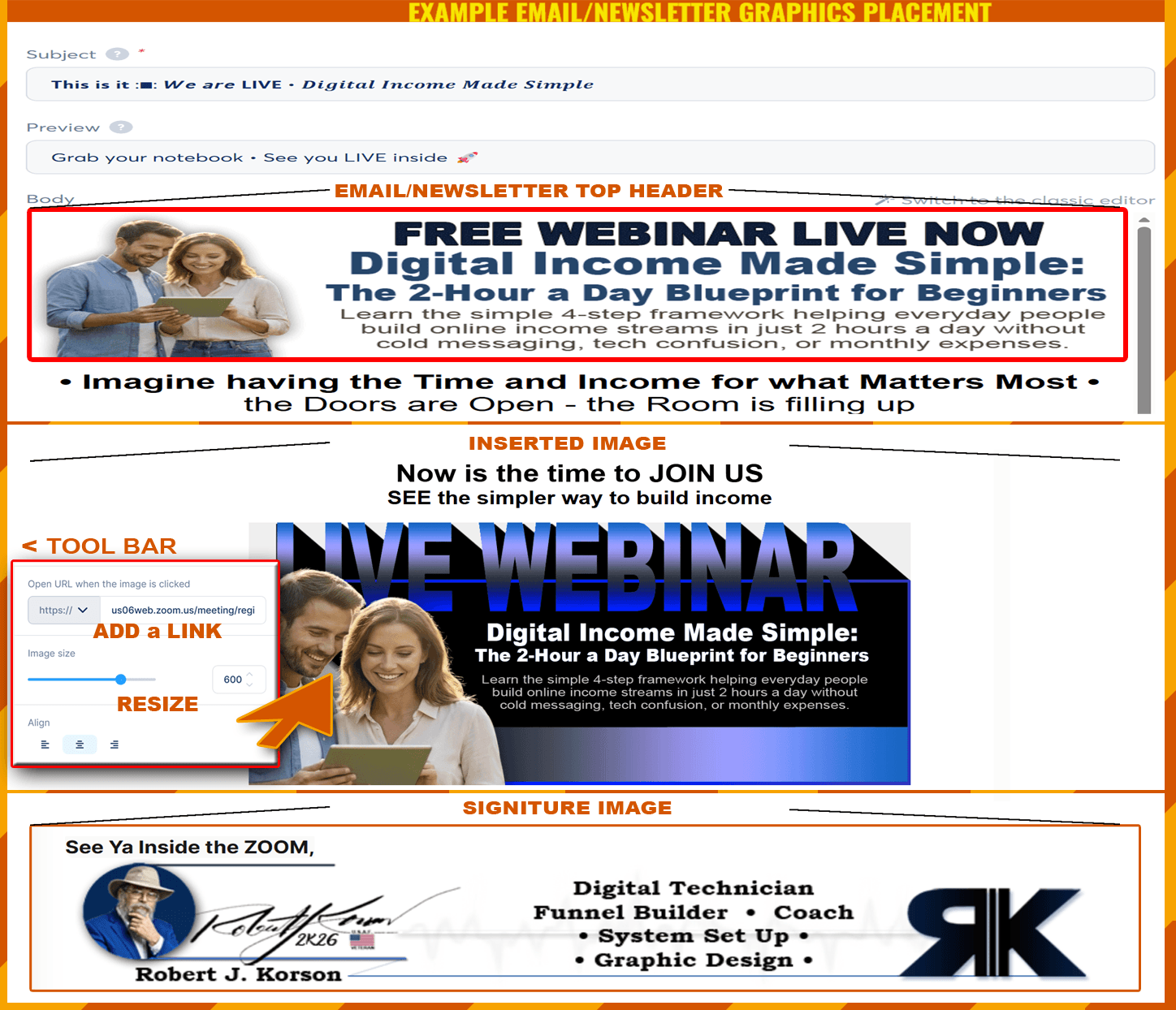
• To add image to an Email or Newsletter, you would have to add the image element to the body of your message, then from the tool bar at the left of your screen, select the cloud icon, select image from your device, upload to systeme io and place in your message.
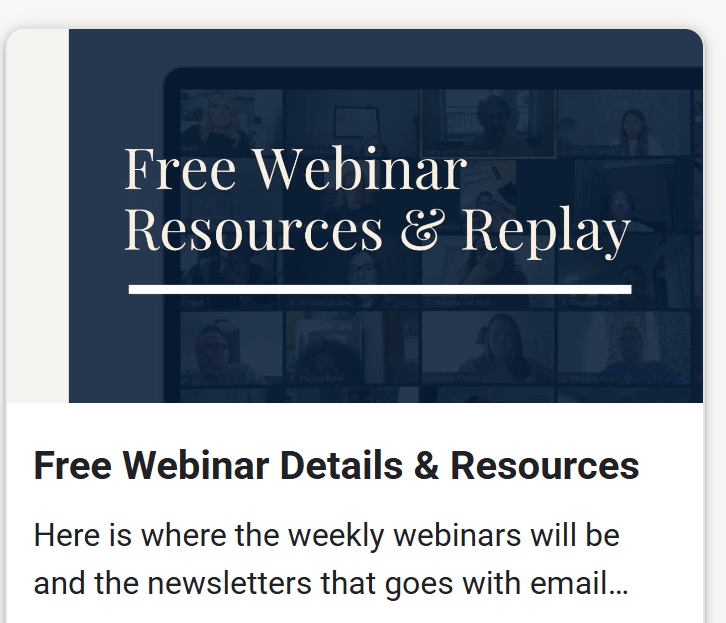
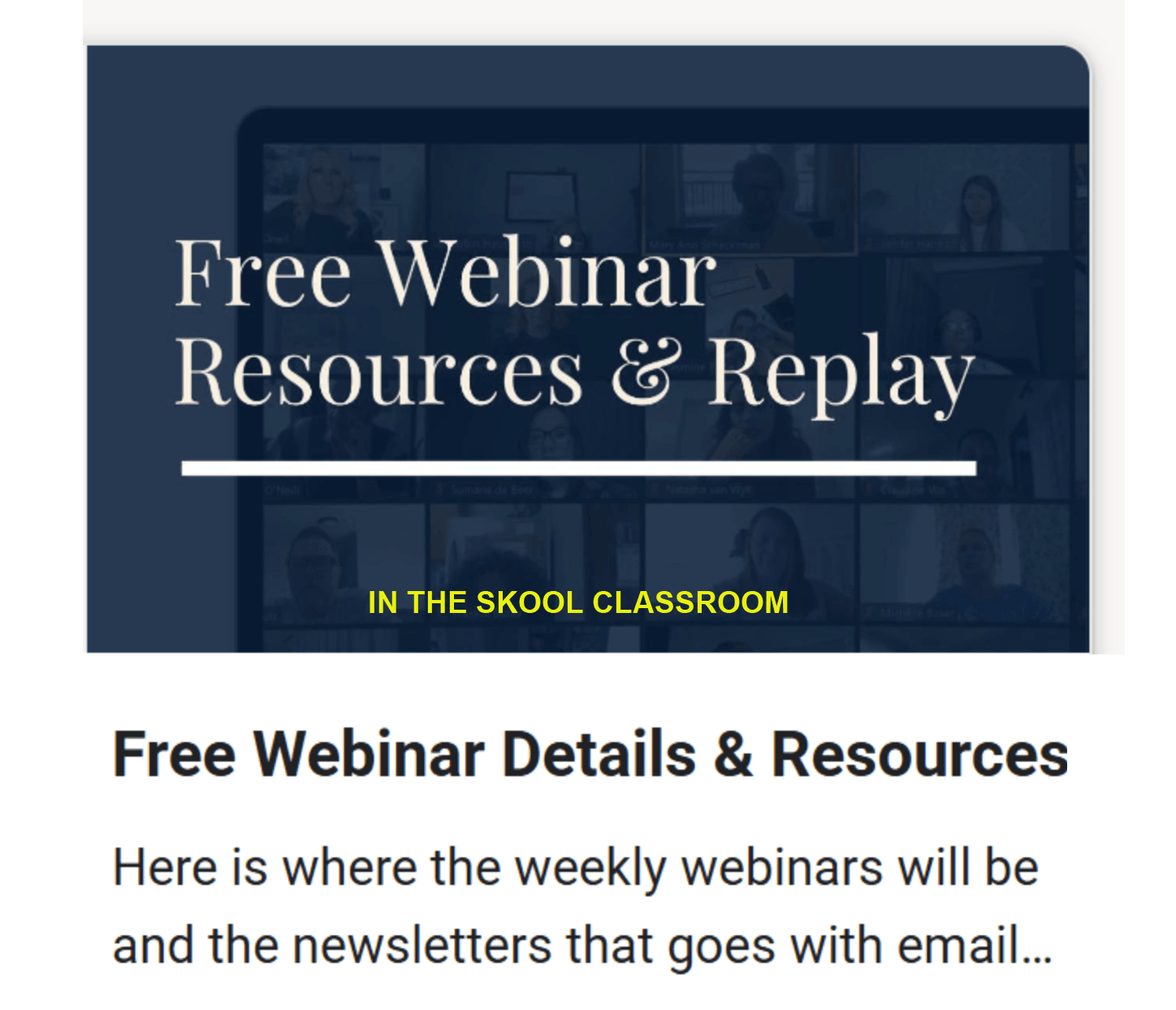
• As a reminder, information on creating and scheduling newsletters and how they work is over in the skool classroom in the "Free Webinar Resources" module.